Convert YouTube Videos to MP3
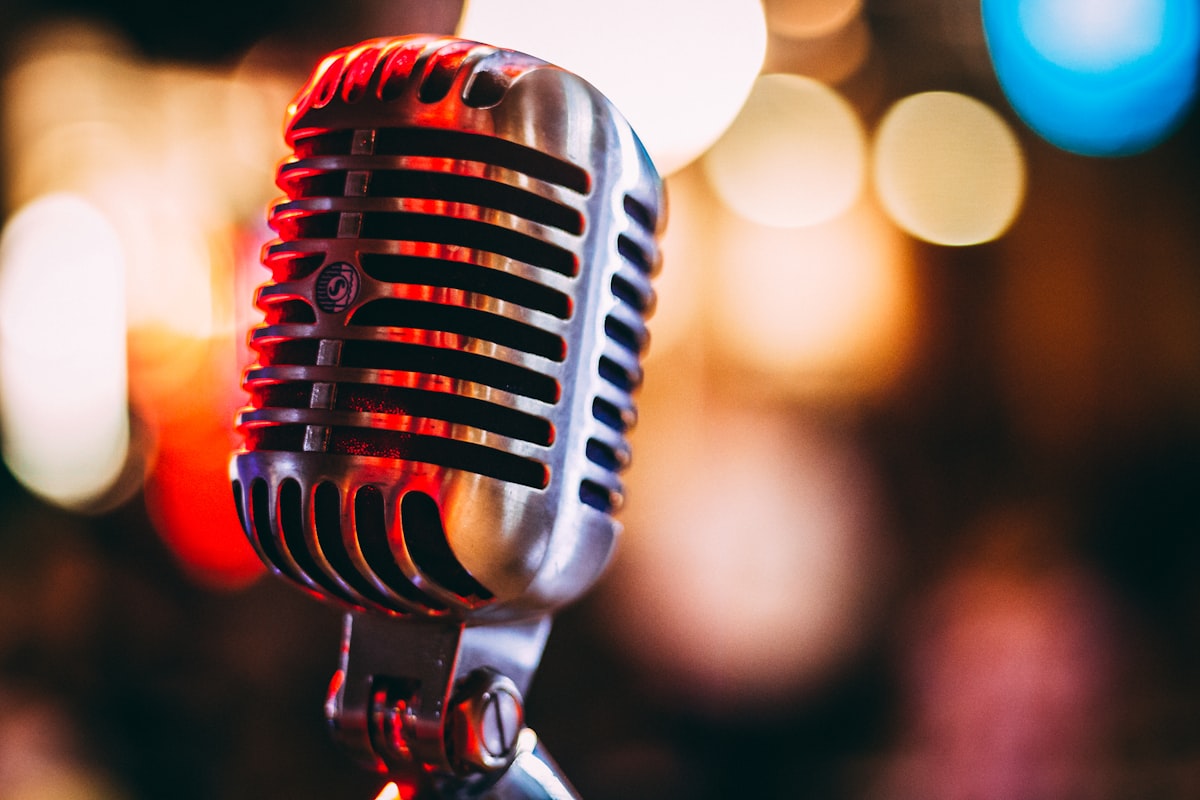
Sometimes you don't need the video; you just want the sound. Whether it's a podcast, a lecture, a motivational speech, or a rare music track not found on streaming services, converting YouTube to MP3 is a great way to listen offline.
Best Audio Quality (320kbps)
Unlike other converters that compress files and give you low-quality, tinny audio, DownTube attempts to extract the highest bitrate available from the source video (up to 320kbps). This ensures crystal clear sound on your high-end headphones or car speakers.
How to Convert
- Find the music video or podcast on YouTube.
- Copy the URL from the address bar.
- Paste it into the box on the DownTube homepage.
- When the options appear, select the Audio (MP3) tab or look for the MP3 download button.
- Click Download and the conversion will happen in seconds.
🎧 Visualizing Audio for Social Media
MP3 files are great for listening, but they don't work on Instagram or TikTok. Here is a visionary idea:
- Create Audiograms: Take the most interesting 30 seconds of the podcast or speech you downloaded. Place a static image or a looping video background, and add an animated waveform over it.
- Sound Effects Library: Download funny sounds or iconic movie quotes to build your own soundboard for your video editing or live streams.
- Slowed & Reverb: Use the high-quality MP3 to create "Slowed + Reverb" versions of songs, which is a massive trend on TikTok right now.